
← Toutes les actualités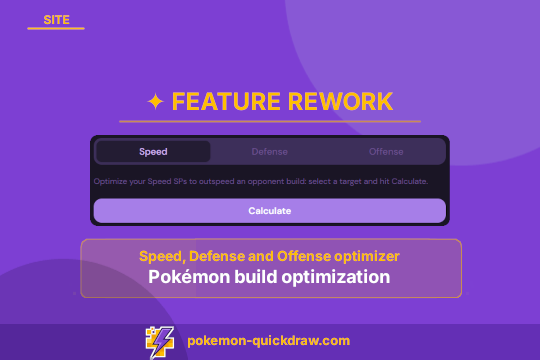
Site20 juin 2026· par QuickDraw
Refonte de fonctionnalité : optimisation de build Pokémon
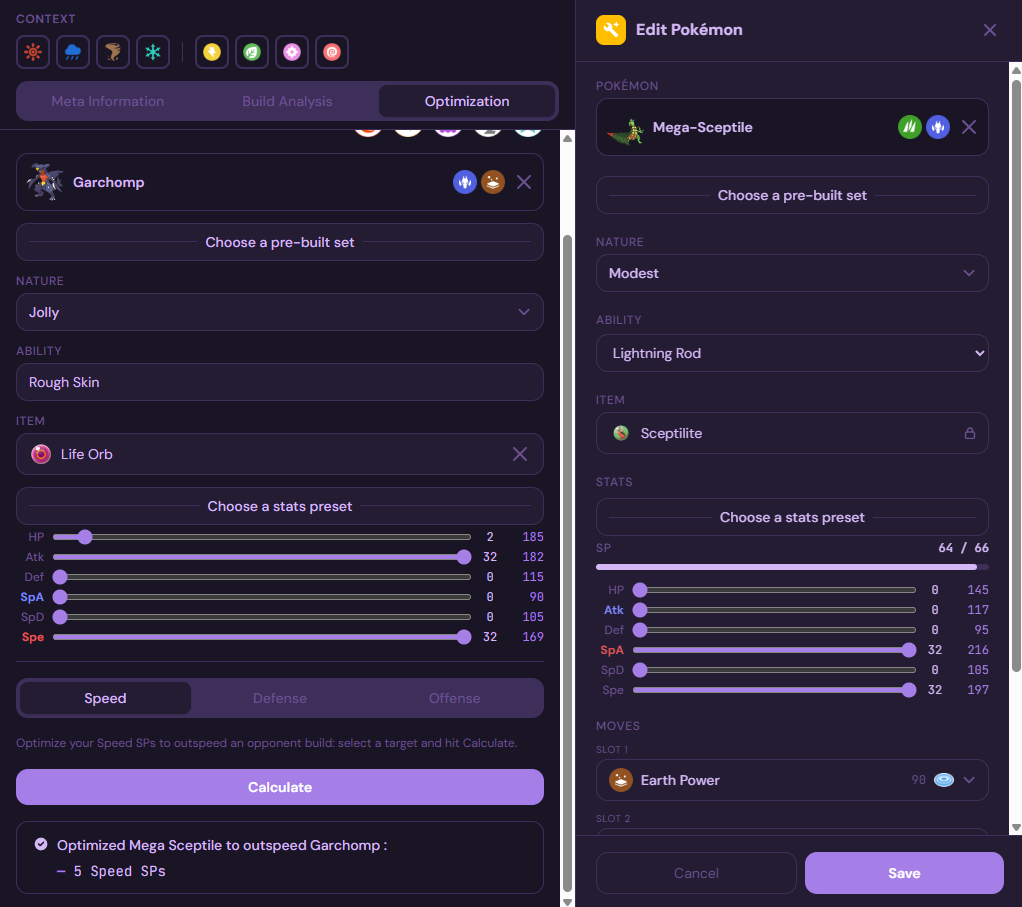
Nous avons retravaillé la fonctionnalité d'optimisation pour la rendre plus flexible qu'elle ne l'était. Pour rappel, lorsque vous modifiez un Pokémon dans le team builder, vous pouvez activer l'affichage du panneau d'outils avancés en cliquant sur le bouton de clé en haut à gauche du panneau d'édition (version bureau seulement) :

Pour paramétrer un adversaire, suivez simplement ces étapes :
- Sélectionnez un Pokémon dans le menu déroulant
- Choisissez un build par défaut pour le chargement instantanément, si vous le souhaitez
- Adaptez l'objet, le talent et les stats pour correspondre au build exact contre lequel vous souhaitez optimiser votre Pokémon
Une fois que votre adversaire est paramétré, vous pouvez utiliser une des 3 fonctionnalités d'optimisation :
- Vitesse : calcule la stat de vitesse optimisée pour dépasser l'adversaire
- Défense : permet de sélectionner un move de l'adversaire, et calcule la répartition de stats optimisée pour que votre Pokémon survive à un OHKO potentiel; très utile pour les revenge kills!
- Attaque : permet de sélectionner un move de votre Pokémon, et calcule la répartition de stats optimisée pour infliger un OHKO à l'adversaire
Les calculs effectués utilisent l'objet et le talent actuel de votre Pokémon. Les résultats indiquent si l'objectif défini peut être atteint, et dans ce cas si une nature positive est requise.The calculation uses your current Pokémon's item and ability.
Nous espérons que vous apprécierez ce nouvel outil, et qu'il vous sera utile dans vos matchs compétitifs!